Products / Metal USB panel connectors
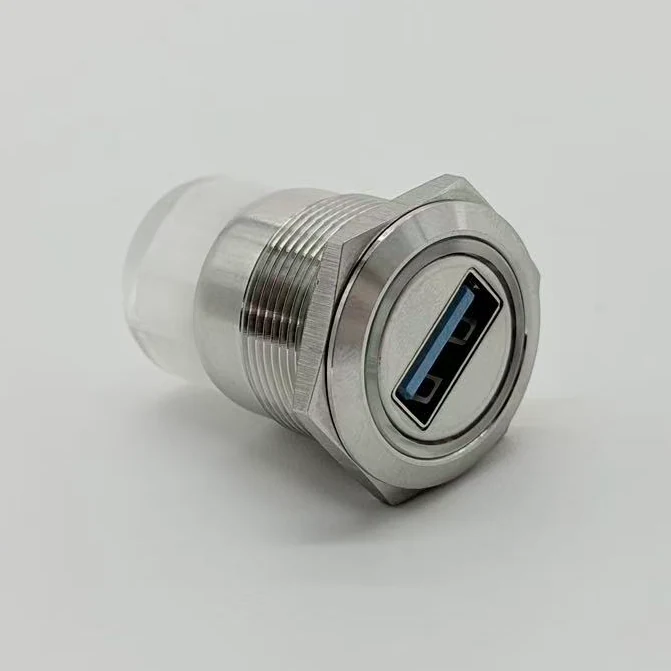
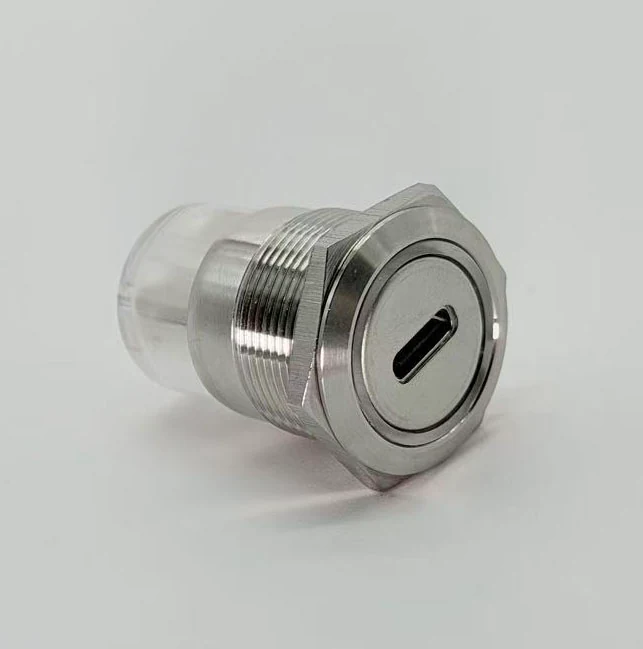
M22 and M28 metal USB-A, USB 3.0 and Type-C panel connector families.
Start with the product family, then confirm front interface, rear connection, mounting size, housing material, cover requirement and OEM cable details.
Product families
Choose by mounting size and port density first.
Choose the mounting family first, then narrow the choice by model number, rear connection and cover requirement.
M22 Single-head Connectors
Compact one-port metal panel connectors for USB-A female, Type-C and mixed front/rear layouts.
- 22.5 mm mounting hole reference
- USB Female, Type-C, USB Male, XH2.54
- Best for compact equipment service ports
M28 Dual-head Connectors
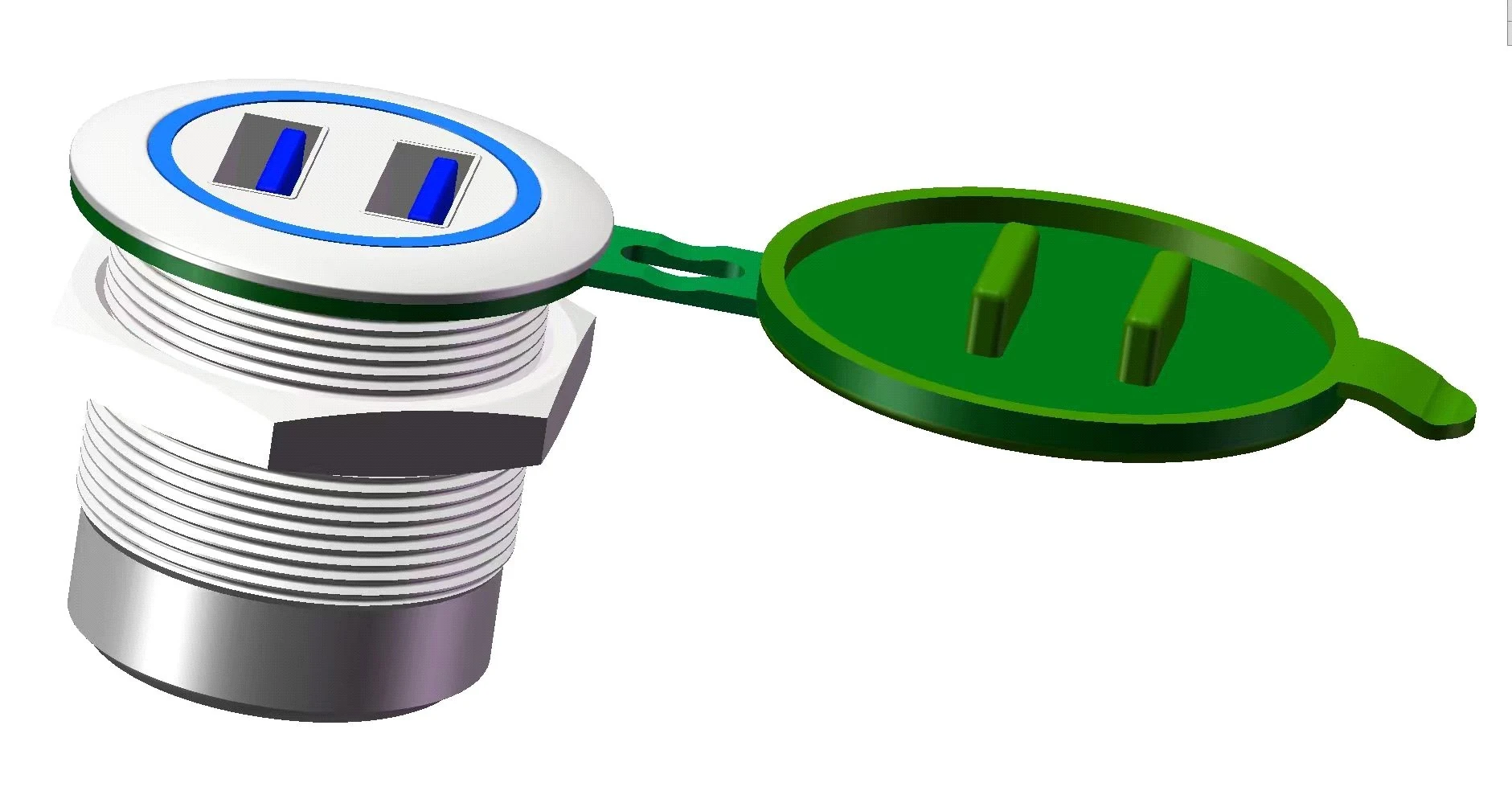
Dual-port metal panel connector assemblies for higher-density USB and Type-C access.
- 28.5 mm mounting hole reference
- MM, CC and MC dual-port combinations
- Best for two-port service panels
Protective Covers & Custom Options
Dustproof or waterproof cover choices plus material, finish, aperture color and cable-harness customization.
- Protect exposed USB and Type-C panel ports
- Define cover material, color and sealing need
- Prepare OEM cable, finish and sample details
Selection path
Four checks before sending an RFQ.
Mechanical fit comes first, followed by the visible port, internal connection and any OEM changes.
Mounting size
Choose M22 for compact single-port access or M28 for dual-port access in one larger metal panel position.
Front interface
Confirm USB-A female, Type-C, dual USB, dual Type-C or mixed USB plus Type-C panel-side access.
Rear connection
Select USB female, USB male, Type-C, XH2.54 socket, horizontal plug or wire harness based on internal layout.
OEM details
Confirm housing material, color, cover, cable length, route direction, sample need and annual demand.
Model number guide
Read model codes while comparing families.
The model code tells the front interface, mounting family, rear connection and finish reference used in the RFQ.
Comparison
Product-family comparison for model selection.
Use this comparison when the mounting size, port count or cover requirement is still undecided.
| Family | Use when | Typical references | Go deeper |
|---|---|---|---|
| M22 Single-head | Compact one-port panel USB or Type-C access. | GBU3-M22M-ANB, GBU3-C22C-ANB, GBU2-M22S-ANB. | Open M22 family |
| M28 Dual-head | Two ports in one larger metal panel mounting position. | GBU3-MM28MM-ANB, GBU3-CC28CC-ANB, GBU3-MC28MC-ANB. | Open M28 family |
| Protective Covers & Custom Options | Cover, appearance, cable and OEM RFQ details after the base connector is selected. | Dustproof or waterproof cover, 304 stainless steel, aperture color, custom harness. | Review cover and OEM options |
Metal housings for industrial equipment panels.
Metal USB connectors give a stronger mounted interface and a cleaner equipment appearance than loose plastic exposed ports.
Bring panel and rear-space information early.
Panel opening, enclosure depth, rear cable path and cover requirement decide whether a catalog model fits or needs OEM adjustment.
Visual assets
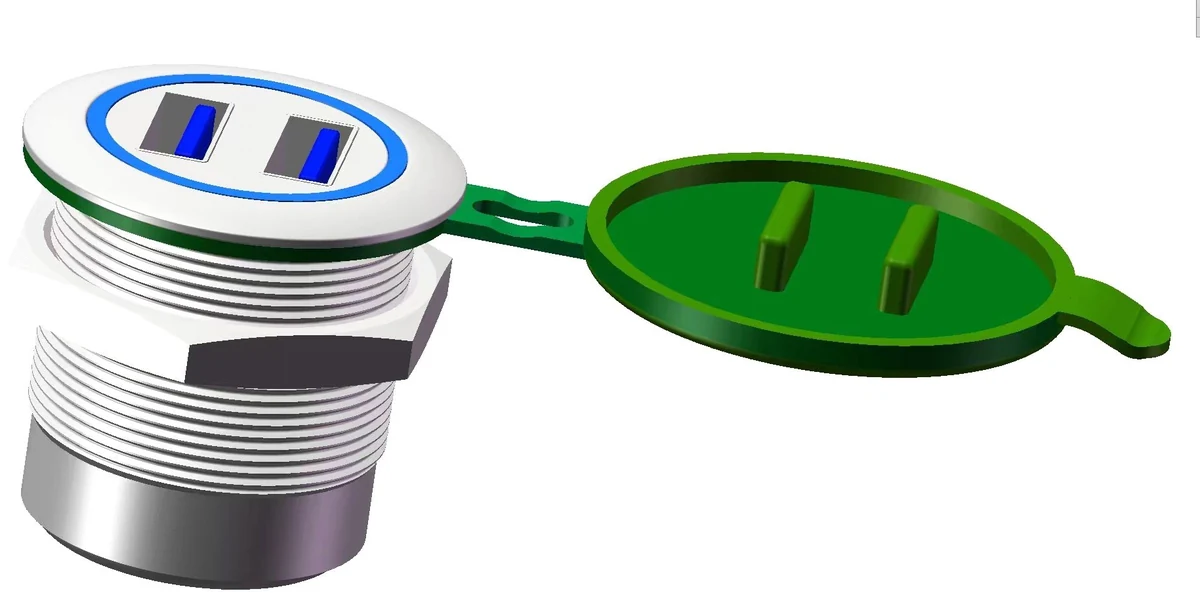
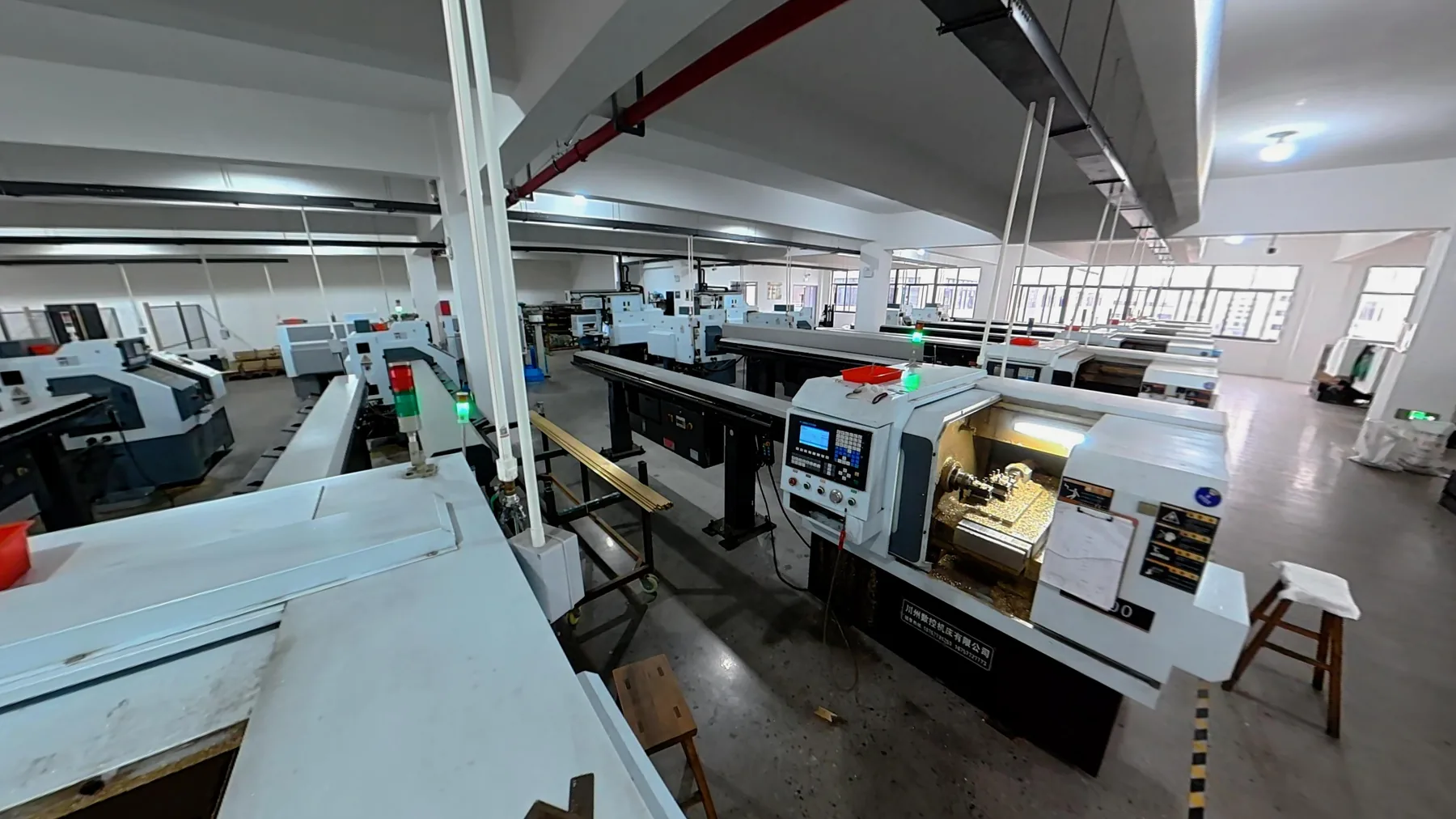
Product category visuals for engineering selection.
Product photos, factory scenes, dimension references and sample review images help verify the connector family before drawings are exchanged.
Applications
Product categories connect to real equipment environments.
Match the connector family to the panel environment and service-port role before confirming the model.
Industrial control
Control cabinets, automation panels, HMI equipment and service ports.
Vehicle electronics
Vehicle-mounted equipment, diagnostics and mobile control units.
Outdoor equipment
Field equipment, protected panels and exposed service interfaces.
Medical and test
Test instruments, equipment-side data access and clean panel layouts.
Smart devices
Visible USB and Type-C interfaces for connected and high-end equipment.
Product FAQs
Common questions before selecting a product family.
Start here for family-level decisions, then open M22, M28 or protective cover details for the final model choice.
How should model numbers be compared?
Start from the family page, then compare the listed model numbers by interface, rear connection, mounting size, cover requirement and available drawing information.
How do I choose between M22 and M28?
Choose M22 for compact single-port panel access and M28 when two USB or Type-C ports need one larger metal panel mounting position.
What information is needed for RFQ?
Provide front port, rear connection, mounting size, panel thickness, enclosure depth, material or color requirement, cover requirement, cable or harness details and target quantity.
RFQ preparation
Need help matching a connector to your panel layout?
Send the closest model reference, front port, rear connection, panel drawing, cover requirement, cable details and expected quantity.