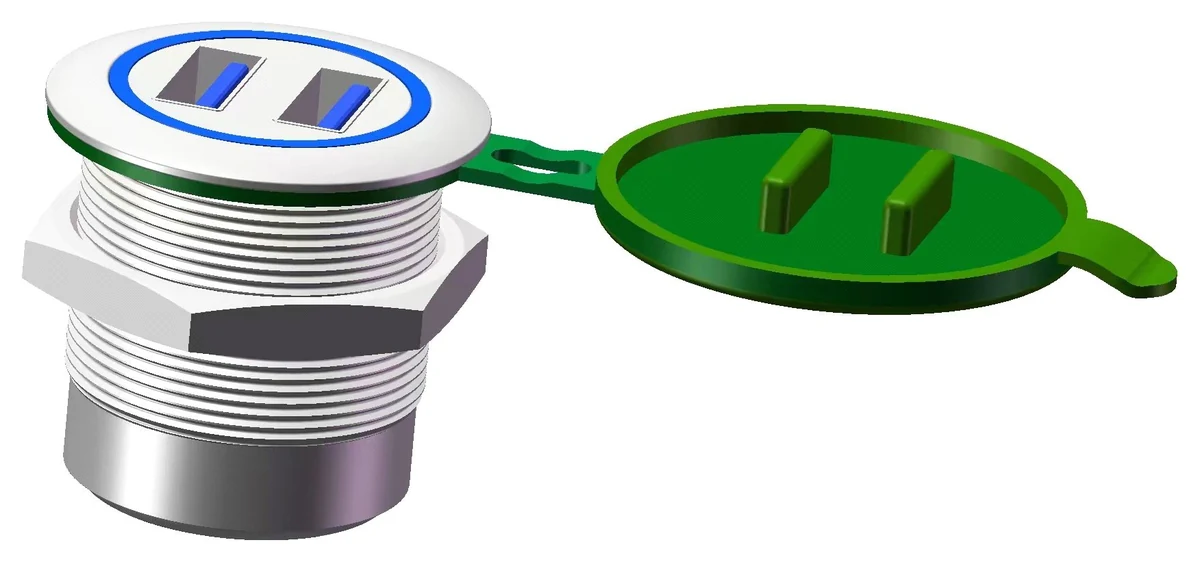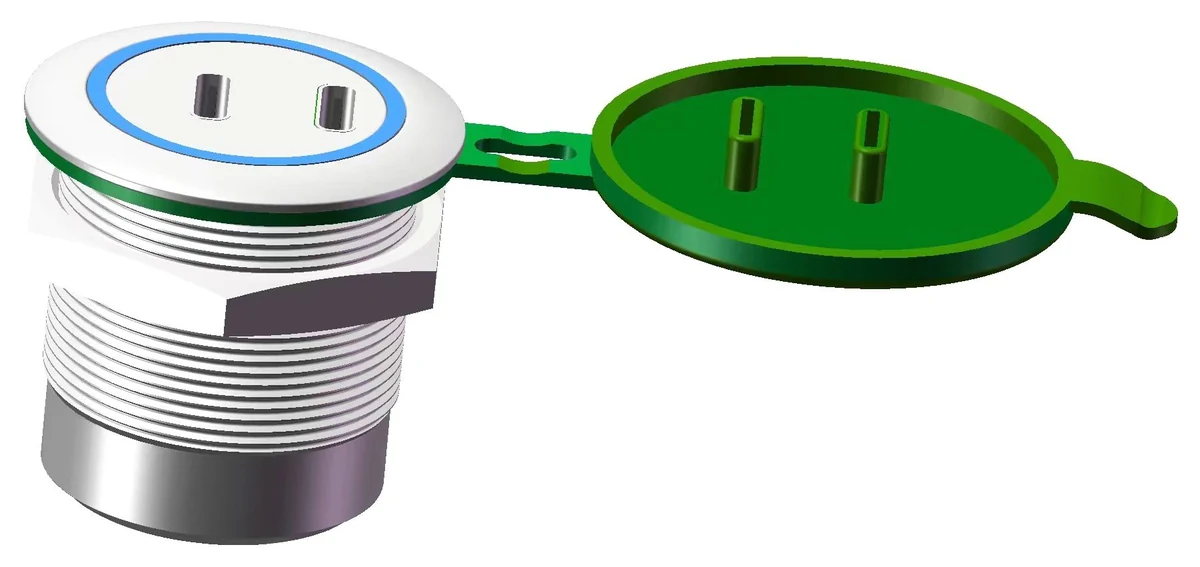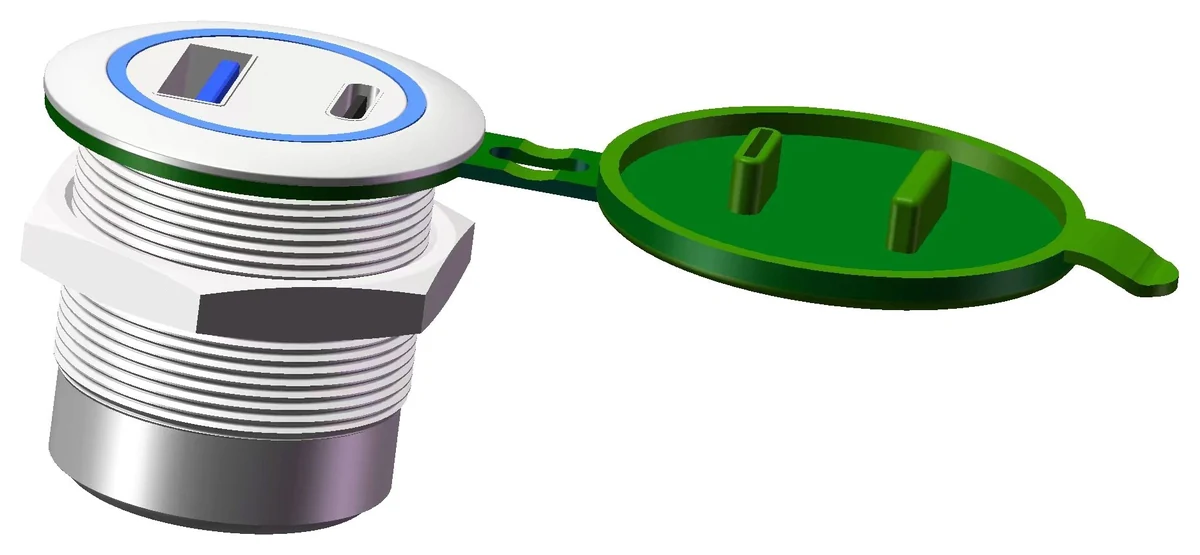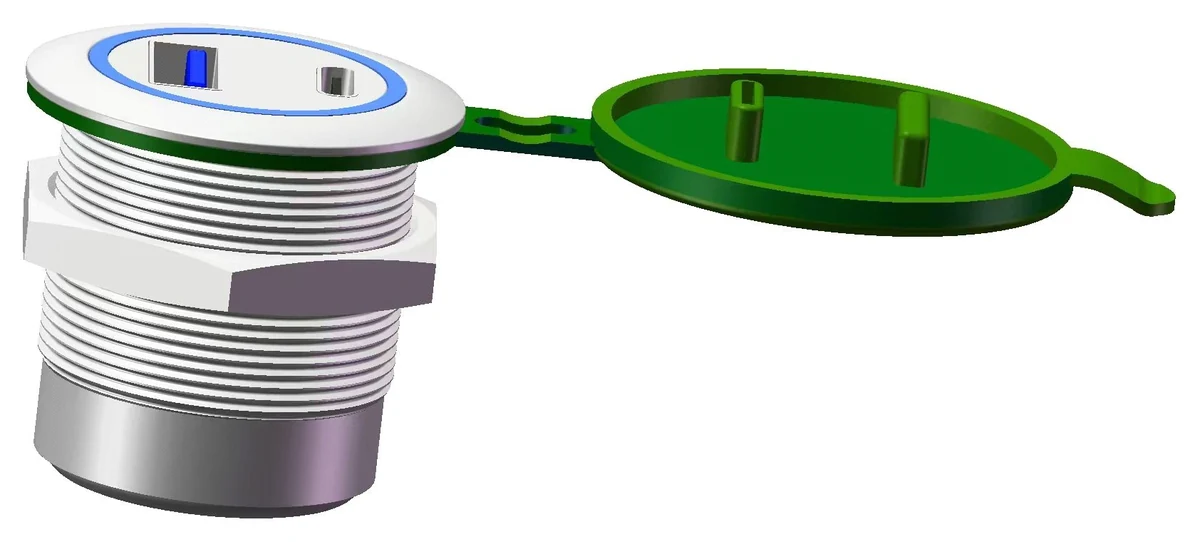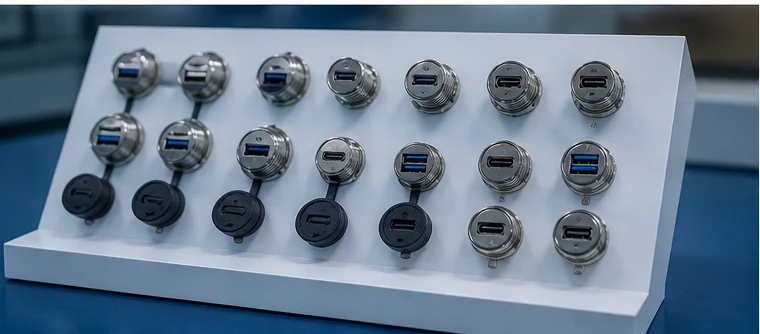
M28 dual-head series

M28 Dual-Head USB Panel Mount Connectors

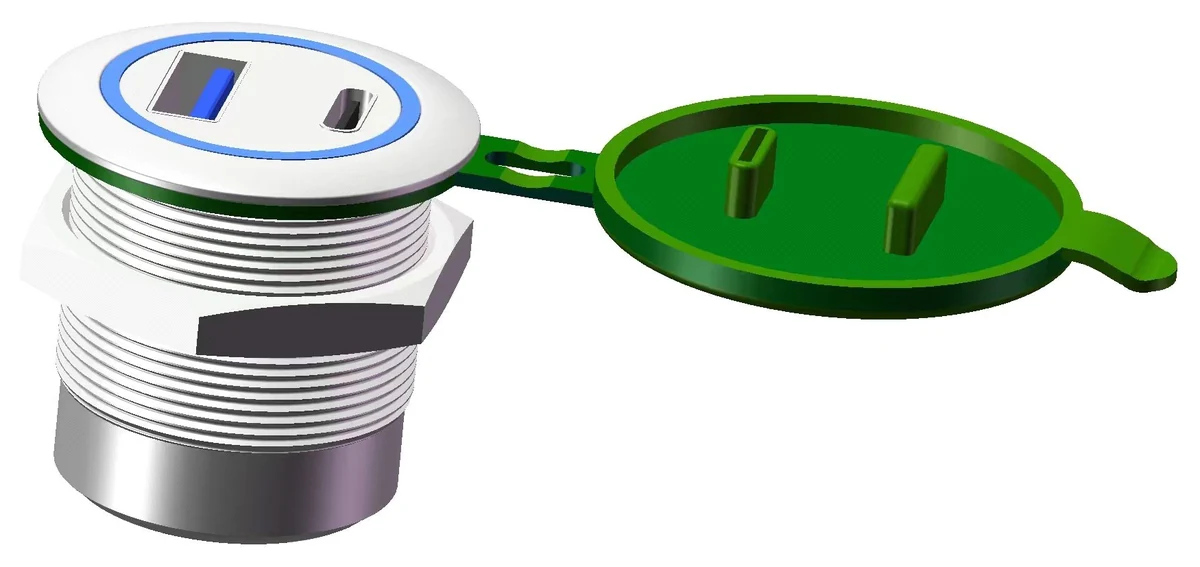
Dual-port metal USB-A, USB 3.0 and Type-C panel mount connectors for industrial equipment that needs two external data interfaces in one larger service position.

Specify front pair, rear pair, panel opening and service workflow.Request M28 RFQ

Series overview

M28 is for equipment panels that need two ports in one position.

Choose by the visible port pair first, then check the rear pair, panel opening and internal cable route.

One mounted component, two external data ports.

M28 dual-head connectors are used when a control cabinet, test instrument, industrial PC or smart equipment panel needs two service interfaces without using two separate panel openings.

Start with the visible port pair, then decide whether the rear side keeps the same connector type or converts to USB-A or Type-C for the internal layout.

Mounting28.5 mmManual mounting-hole reference for the M28 series.
ThreadM28 x 1.0Threaded metal housing with lock nut installation.
Speed5 GbpsUSB 3.0 data transfer reference for listed M28 models.
ProtectionNBR coverDust and waterproof cover option listed in the manual.

Front-to-rear port matrix

Seven M28 model references cover the major dual-port combinations.

The model cards group each part by visible front pair and internal rear pair.

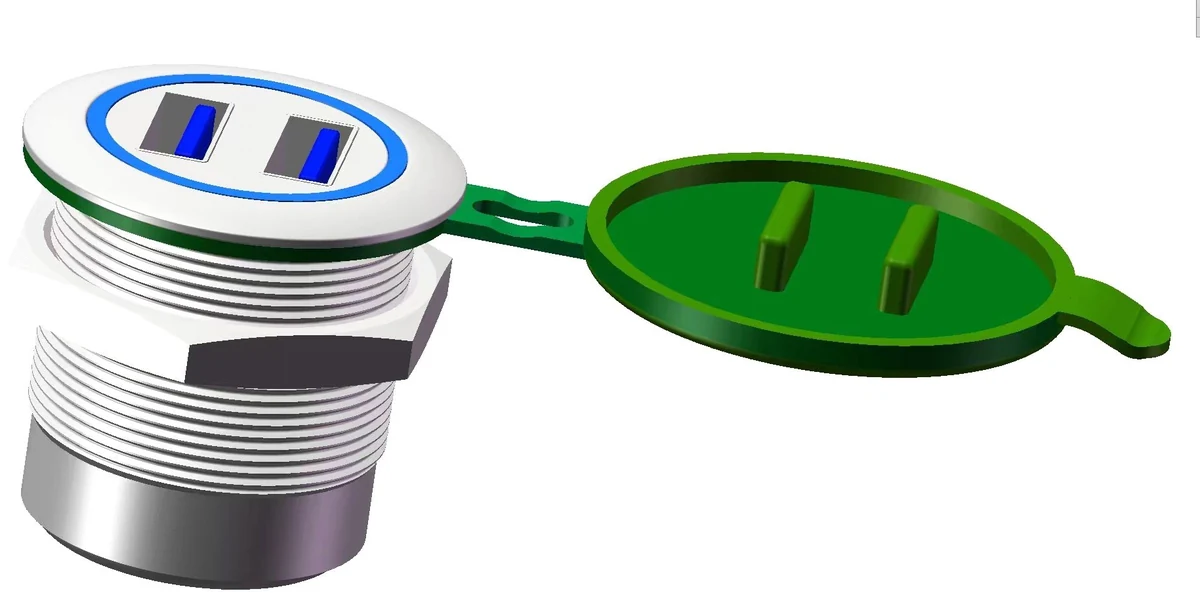
GBU3-MM28MM-ANB M28 double USB-A female to double USB-A female panel mount connector 3D model
GBU3-MM28MM-ANB

MM to MM

Open model data, mounting details and RFQ notes.

Double USB-A femaleDouble USB-A female
Front
Double USB-A female
Rear
Double USB-A female
Data
5 Gbps

Two USB-A pass-through service ports in one M28 panel position.
RFQ
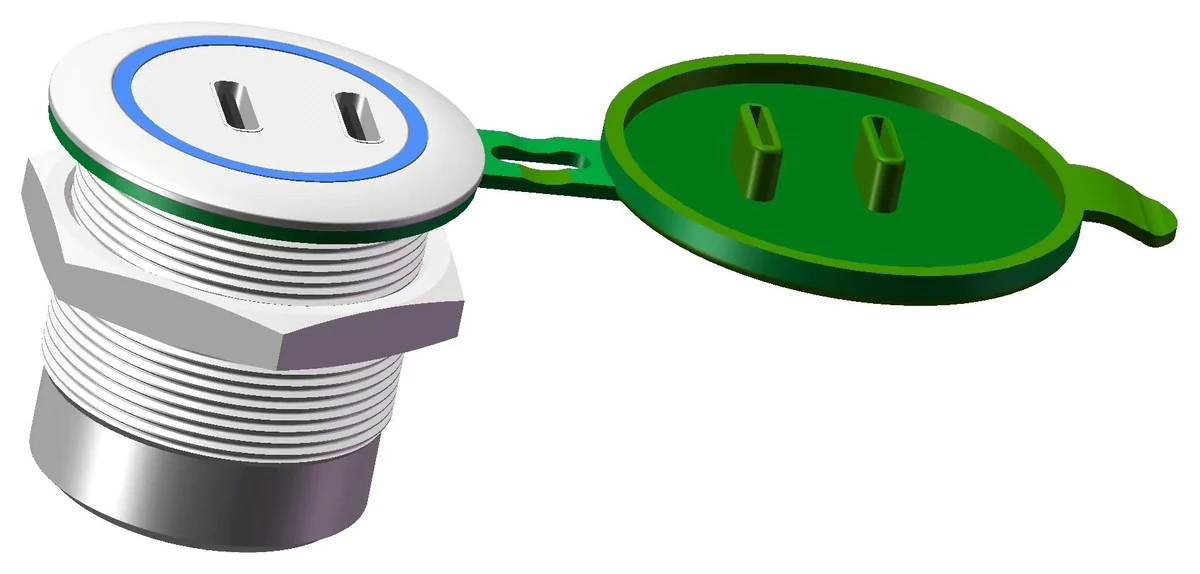
GBU3-CC28CC-ANB M28 double Type-C to double Type-C panel mount connector 3D model
GBU3-CC28CC-ANB

CC to CC

Open model data, mounting details and RFQ notes.

Double Type-CDouble Type-C
Front
Double Type-C
Rear
Double Type-C
Data
5 Gbps

Two Type-C ports on both visible and internal sides.

RFQ
GBU3-MM28CC-ANB M28 double USB-A female to double Type-C panel mount connector 3D model
GBU3-MM28CC-ANB

MM to CC

Open model data, mounting details and RFQ notes.

Double USB-A femaleDouble Type-C
Front
Double USB-A female
Rear
Double Type-C
Data
5 Gbps

USB-A panel access with Type-C internal device-side integration.

RFQ
GBU3-CC28MM-ANB M28 double Type-C to double USB-A female panel mount connector 3D model
GBU3-CC28MM-ANB

CC to MM

Open model data, mounting details and RFQ notes.

Double Type-CDouble USB-A female
Front
Double Type-C
Rear
Double USB-A female
Data
5 Gbps

Type-C panel access with USB-A internal connection requirements.

RFQ
GBU3-MC28MC-ANB M28 USB-A female plus Type-C to USB-A female plus Type-C panel mount connector 3D model
GBU3-MC28MC-ANB

MC to MC

Open model data, mounting details and RFQ notes.

USB-A female plus Type-CUSB-A female plus Type-C
Front
USB-A female plus Type-C
Rear
USB-A female plus Type-C
Data
5 Gbps

Mixed USB-A and Type-C access on both sides of the assembly.

RFQ
GBU3-MC28MM-ANB M28 USB-A female plus Type-C to double USB-A female panel mount connector 3D model
GBU3-MC28MM-ANB

MC to MM

Open model data, mounting details and RFQ notes.

USB-A female plus Type-CDouble USB-A female
Front
USB-A female plus Type-C
Rear
Double USB-A female
Data
5 Gbps

Mixed panel access with USB-A based internal routing.

RFQ
GBU3-MC28CC-ANB M28 USB-A female plus Type-C to double Type-C panel mount connector 3D model
GBU3-MC28CC-ANB

MC to CC

Open model data, mounting details and RFQ notes.

USB-A female plus Type-CDouble Type-C
Front
USB-A female plus Type-C
Rear
Double Type-C
Data
5 Gbps

Mixed panel access with Type-C based internal routing.

RFQ

Model number guide

Read the M28 code through dual-port pair logic.

MM, CC and MC show whether the connector uses double USB-A, double Type-C or a mixed USB-A plus Type-C pair.

Code decoder

GBU3-MM28CC-ANB

GBU3MM28CC

In this example, the visible panel side is double USB-A female and the rear side is double Type-C.

MMDouble USB-ATwo USB-A female ports in the same side of the connector.
CCDouble Type-CTwo Type-C ports for modern device-side or panel-side access.
MCMixed pairOne USB-A female plus one Type-C port in the same panel assembly.
28M28 familyM28 thread and mounting-size family.
ANBSeries suffixStandard catalog suffix used in the listed manual models.
U3USB 3.05 Gbps data-transfer family reference for these M28 models.

Port pairing selection guide

Choose M28 by visible port pair first, then by internal rear pair.

Some M28 models look similar from the front but use different rear connections for internal routing.

Visible panel side

Start with what the operator needs to plug into.

The front pair needs to match the service workflow on the equipment panel.

  • Choose MM when both visible ports are USB-A female.
  • Choose CC when both visible ports are Type-C.
  • Choose MC when one USB-A and one Type-C port share one panel assembly.
Internal equipment side

Then match the rear pair to the device layout.

The rear side decides how the connector fits the internal cable, device module or equipment board path.

  • Keep the same rear pair for pass-through service access.
  • Use MM or CC rear conversion when internal devices use a different connector type.
  • Confirm rear clearance because two ports require more routing discipline than a single M22 port.

Material / mounting / protection

M28 uses the same metal-panel hardware logic as the rest of the series.

The manual lists 304 stainless steel housing, 304 stainless steel lock nut, polycarbonate inner sleeve, NBR cover, blue aperture default and custom color support.

M28 x 1.0 and 28.5 mm mounting hole installation dimension visual
M28 installation and mounting-size reference
Housing304 stainless steelMetal external housing for panel-mounted industrial equipment interfaces.
Lock nut304 stainless steelThreaded mounting with lock nut for stable panel installation.
Inner sleevePolycarbonateListed inner sleeve material for the M28 models in the manual.
CoverNBRDust and waterproof cover option for exposed panel service ports.
Aperture colorBlue defaultDefault aperture color is blue; other colors can be customized.
Electrical reference5V / 0.5A to 3AManual charging-extension reference: 2.5W, 7.5W and 15W for general small devices.

Applications

Where two external data ports make more sense than one.

M28 fits panels where two USB or Type-C access points need to stay grouped in one mounted assembly.

Test bench using external USB and Type-C service ports
Test instruments

Dual service access for benches, diagnostics and data collection.

M28 is useful when technicians need two accessible data ports in one durable panel position.

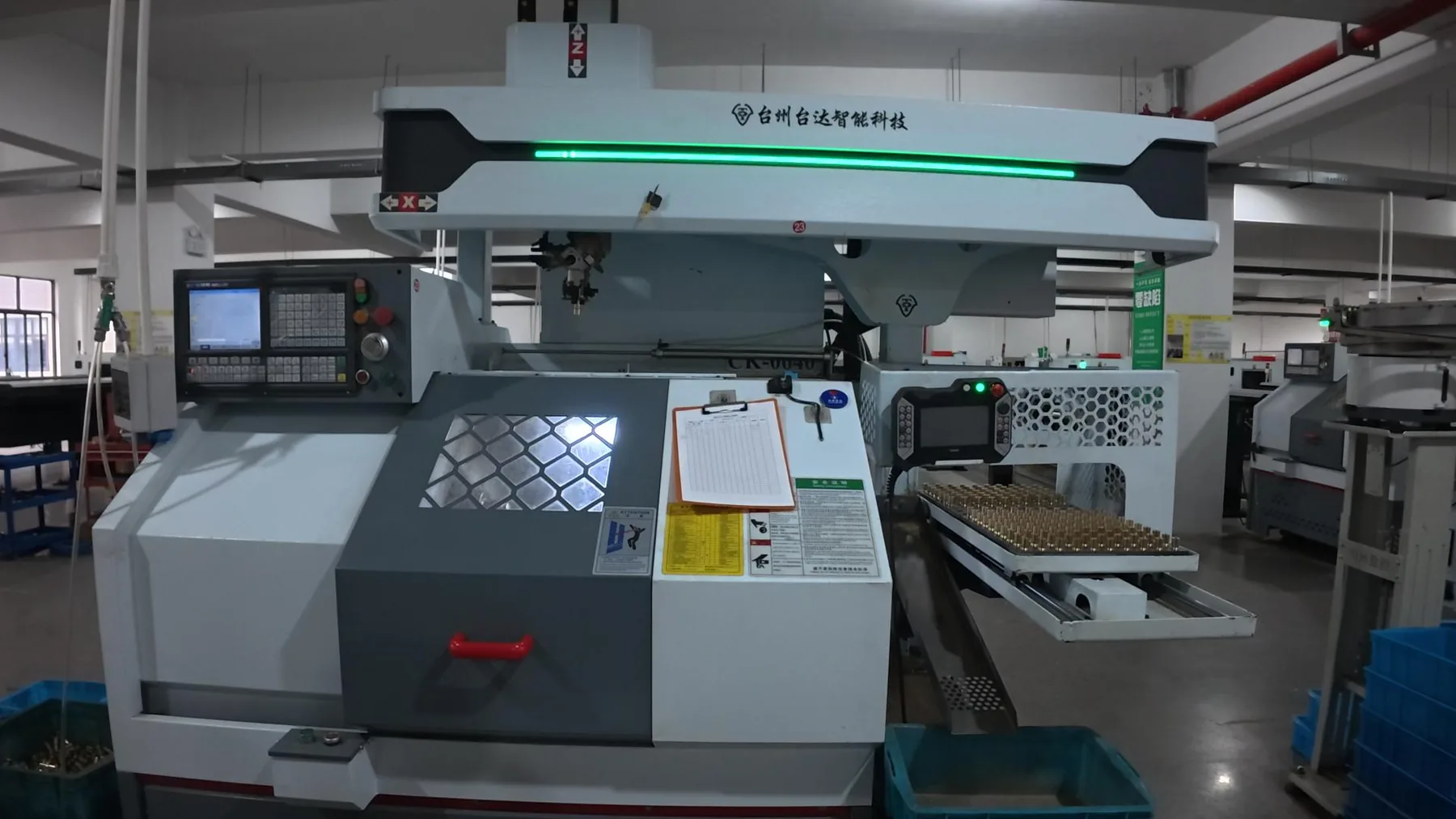
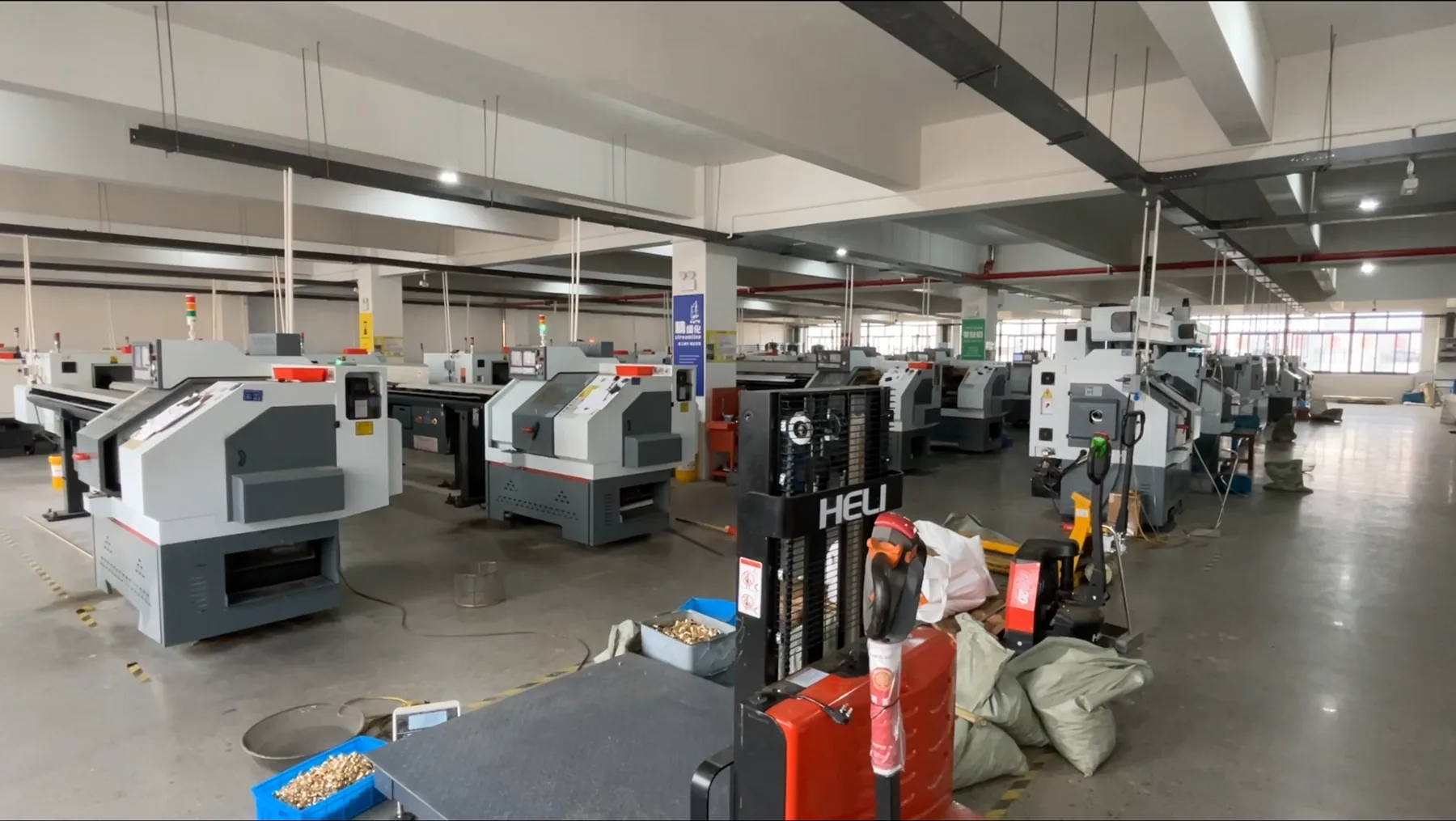
Industrial control cabinet and factory equipment environment
Control cabinets

Cleaner dual-port panel layouts

Two data ports can be grouped into one mounted interface instead of separate panel openings.

USB panel connector sample display for OEM equipment projects
OEM equipment

Port pairing before quotation

Front pair, rear pair, aperture color and cover requirement can be clarified before samples.

Additional applications
  • Industrial PCsDual external data access for service, firmware or field configuration.
  • Vehicle electronicsGrouped USB-A and Type-C access where panel space and routing are constrained.
  • Smart equipmentModern equipment panels needing USB-A legacy support and Type-C access together.

Specification / RFQ table

Use this table to prepare a clean M28 inquiry.

Collect the model, front pair, rear pair, mounting size and cover requirement before contact.

RFQ fieldM28 value to confirmWhy it matters
Front port pairMM, CC or MCDefines what operators see and plug into on the equipment panel.
Rear port pairMM, CC or MC depending on modelDefines the internal equipment-side connection route.
Mounting sizeM28 x 1.0, 28.5 mm mounting holeConfirms the panel opening and lock-nut installation path.
Material304 stainless steel housing and lock nutSupports industrial panel mounting and exposed interface durability.
Cover optionNBR dust and waterproof coverImportant for exposed ports, outdoor equipment or handling protection.
Custom optionAperture color, rear route, sample quantityUsed for OEM quotation and sample confirmation.

FAQ

M28 dual-head connector questions before model selection.

These answers focus on dual-port connector selection, port-pair logic and the RFQ details needed before sampling.

What is an M28 USB panel mount connector?

It is a metal dual-head panel connector family for equipment that needs two USB-A or Type-C data ports in one M28 threaded mounting position.

When is M28 better than M22?

Choose M28 when the equipment needs two external data ports grouped into one mounted assembly. Choose M22 when one compact external service port is enough.

What do MM, CC and MC mean?

MM means double USB-A female, CC means double Type-C, and MC means one USB-A female plus one Type-C in the same side of the connector.

Can M28 support mixed USB-A and Type-C layouts?

Yes. The listed MC28 models cover mixed USB-A female plus Type-C layouts, including same mixed rear pairing or rear conversion to dual USB-A or dual Type-C.

What is needed for an M28 quotation?

Send the visible front pair, rear pair, panel opening, rear clearance, cover requirement, aperture color, sample quantity and expected order quantity.

Final RFQ CTA

Send your front pair, rear pair and panel requirement.

For M28 dual-head connector projects, include the visible interface pair, internal rear pair, panel thickness, mounting opening, cover requirement and expected sample quantity.