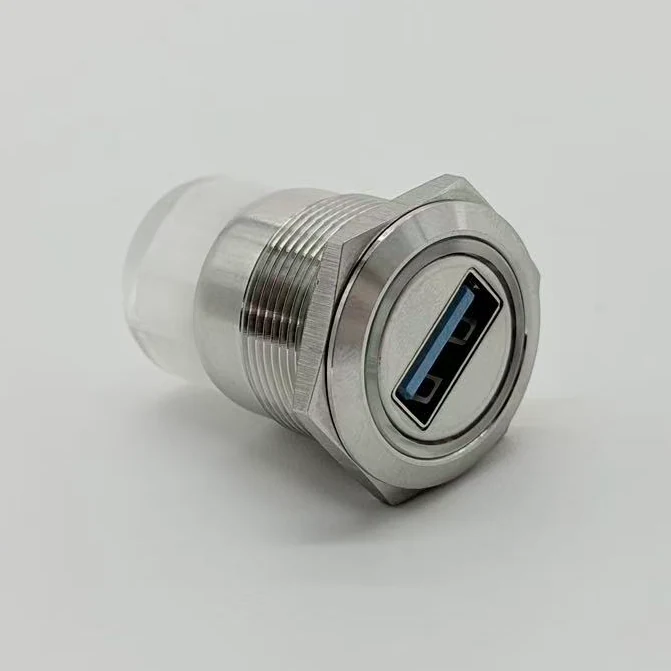
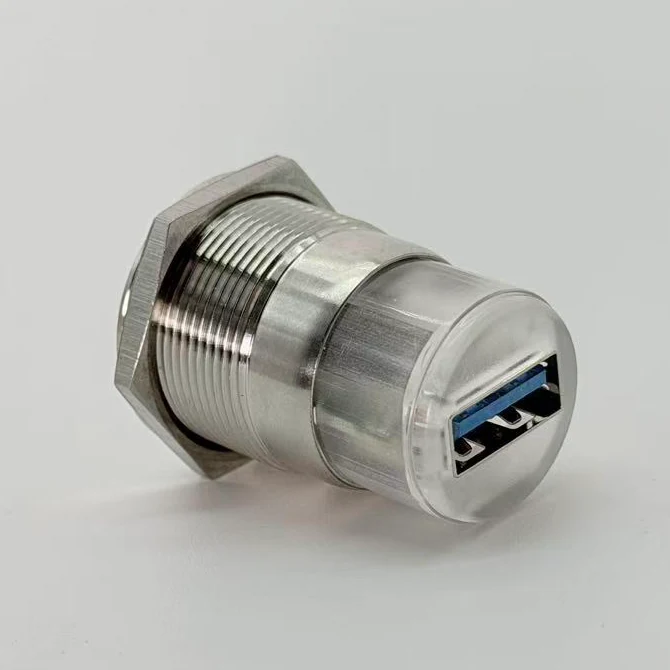
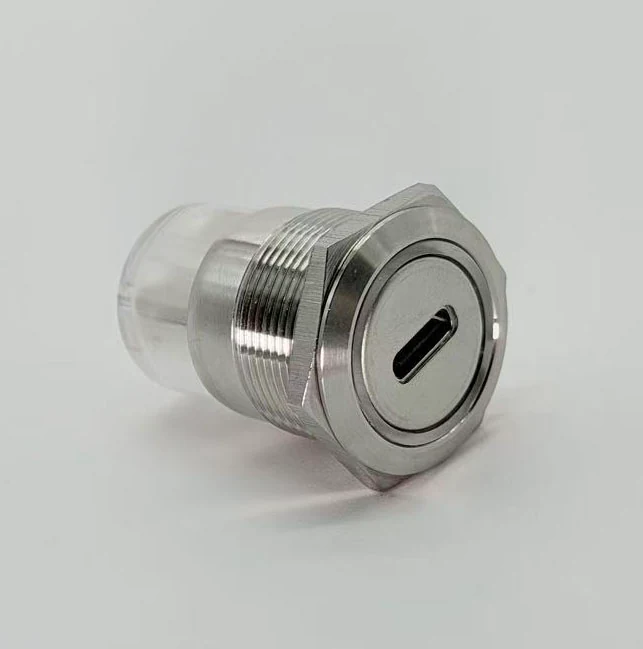
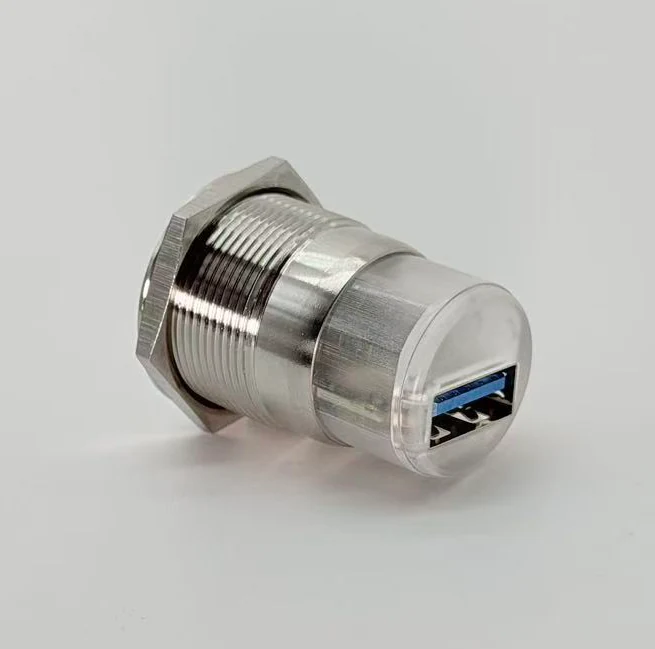
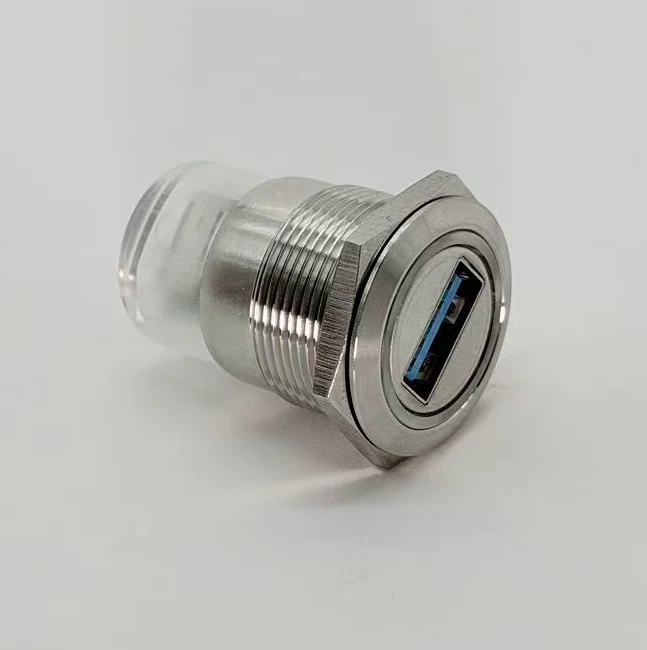
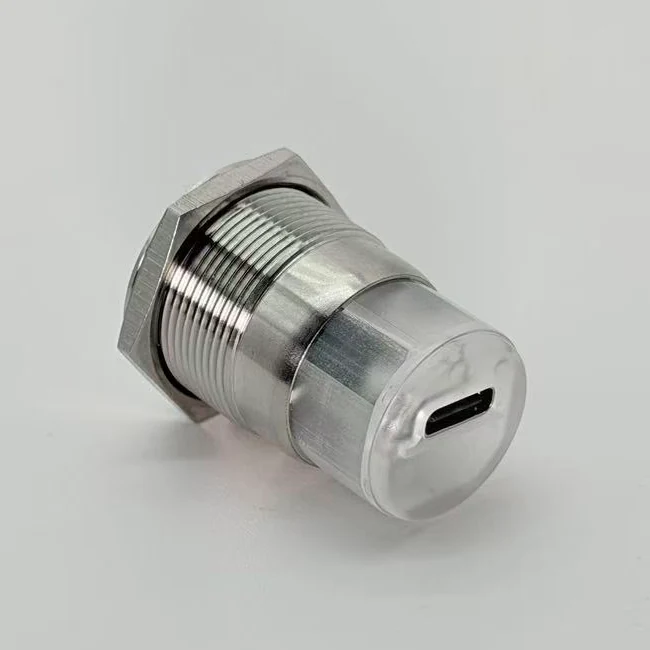
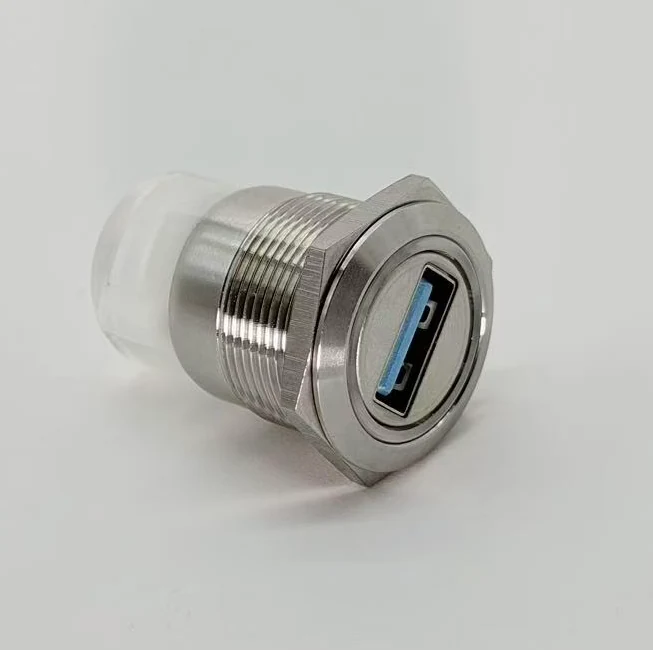
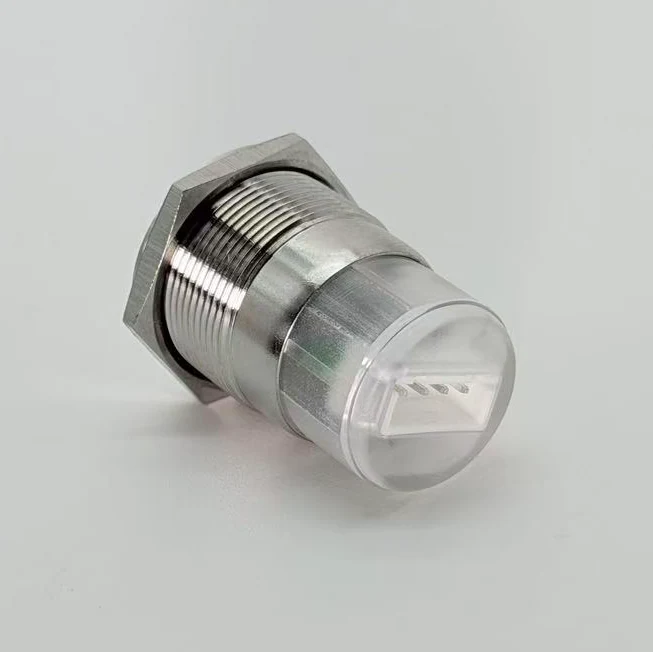
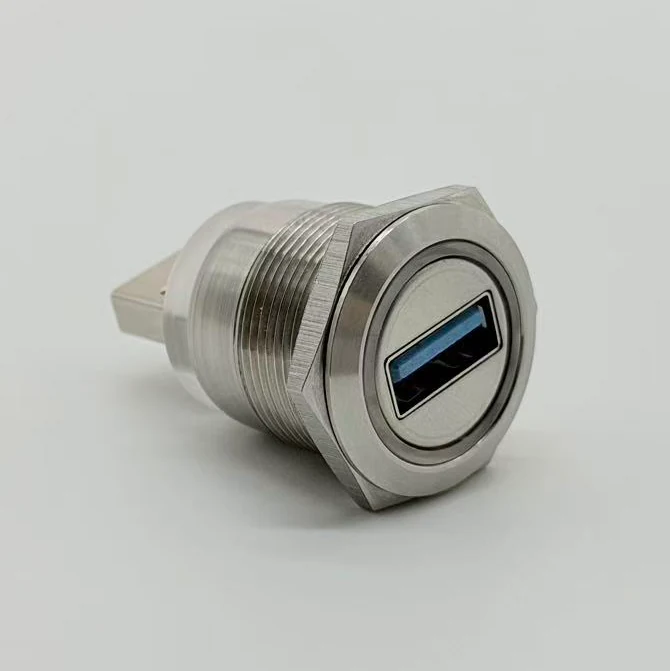
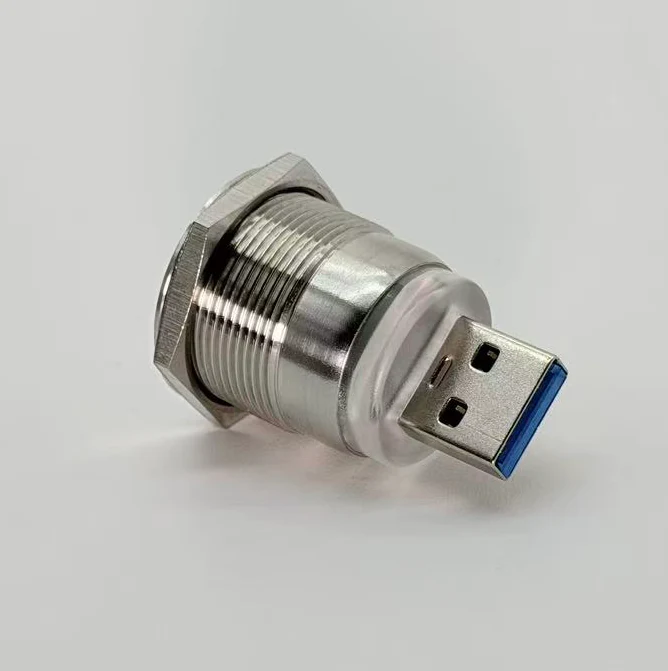
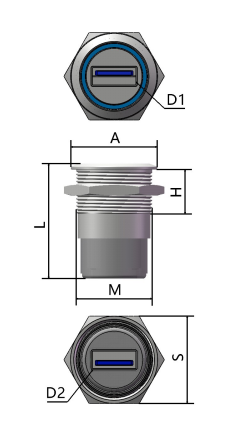
USB-A female to USB-A female
Open drawings, dimensions and material notes.
- Front
- USB 3.0-A female
- Rear
- USB 3.0-A female
- Data
- 5 Gbps
M22 single-head series
M22 metal USB-A, USB 3.0 and Type-C panel connector assemblies for compact industrial equipment service ports, control cabinets, test instruments and OEM device panels.
Series overview
The M22 series is for equipment that needs one external USB-A or Type-C service interface. It keeps the front panel simple while still offering several rear connection paths for internal routing.
Product section
Each card shows the model, interface route and product appearance. Open the modal for dimensions, material and electrical notes.
Open drawings, dimensions and material notes.
Model code guide
Use the model code to read the USB family, front port, M22 mounting thread, rear connection and housing suffix.
Example decoder
USB 3.0 product family, USB-A front terminal, M22 mounting thread, USB-A rear terminal, stainless-steel housing and blue aperture reference.
Rear connection selection
The front port decides what users touch. The rear connection decides whether the part actually fits the enclosure, PCB position, internal cable route and service workflow.
When there is enough depth behind the panel, use USB-A female or Type-C rear layouts for straightforward internal cable connection.
When the rear side should connect directly to an internal USB socket or module, choose the USB-A male rear layout.
When the equipment design routes toward a board or terminal harness instead of a rear USB plug, use the XH2.54 socket option.
When straight rear clearance is limited, evaluate horizontal rear USB-A layouts or custom cable routing before confirming the model.
Material / mounting / protection
M22 selection is not only about the USB interface. Housing material, mounting thread, lock nut and cover options matter when the port is used repeatedly on an equipment panel.
Mounting reference
The series uses an M22 x 1.0 mounting family with 22.5 mm panel hole reference, 304 stainless-steel housing references and NBR dust / waterproof cover options from the selection manual.
Application blocks
Use M22 when the equipment needs one external service port and the rear side can be routed through USB-A, Type-C, XH2.54 or a custom cable path.
M22 is a clean fit where operators need one accessible USB-A or Type-C port for diagnostics, firmware or data collection.
Use one durable external data port while keeping panel cutouts and wiring simple.
Rear terminal choice matters where internal depth, vibration and routing constraints are tighter.
Specification / RFQ table
The fastest RFQ path is not a long message. Send the model direction, front port, rear port, mounting reference, material and cover requirement in one structured request.
| RFQ field | M22 reference | What to confirm |
|---|---|---|
| Interface | USB-A / USB 3.0 / Type-C / USB 2.0 for XH2.54 layout | Data rate and device compatibility requirement. |
| Front port | USB-A female or Type-C | The interface users will access from outside the equipment. |
| Rear port | USB-A female, Type-C, USB-A male, XH2.54, horizontal rear | Internal connection path and rear clearance. |
| Mounting size | M22 x 1.0, 22.5 mm mounting hole reference | Panel hole, panel thickness and installation direction. |
| Material | 304 stainless-steel housing and lock nut references | Finish, color, aperture and exposed-environment needs. |
| Cover option | NBR dust / waterproof cover | Whether the external port needs cover protection. |
| Custom option | Color, rear route, cable or harness request | OEM variation, sample quantity and drawing requirements. |
M22 FAQ
Short answers for M22 interface, rear connection, material and customization questions.
It is a threaded single-port panel connector series for adding one external USB-A or Type-C service interface to equipment panels, control cabinets and instruments.
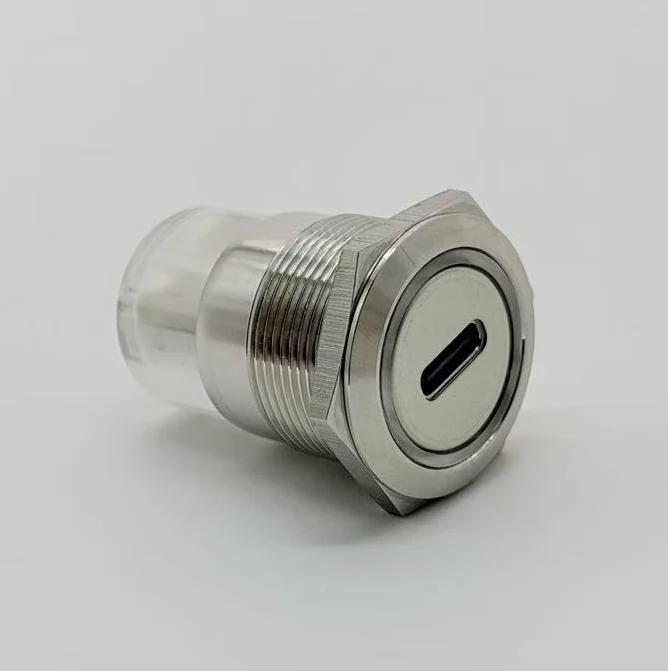
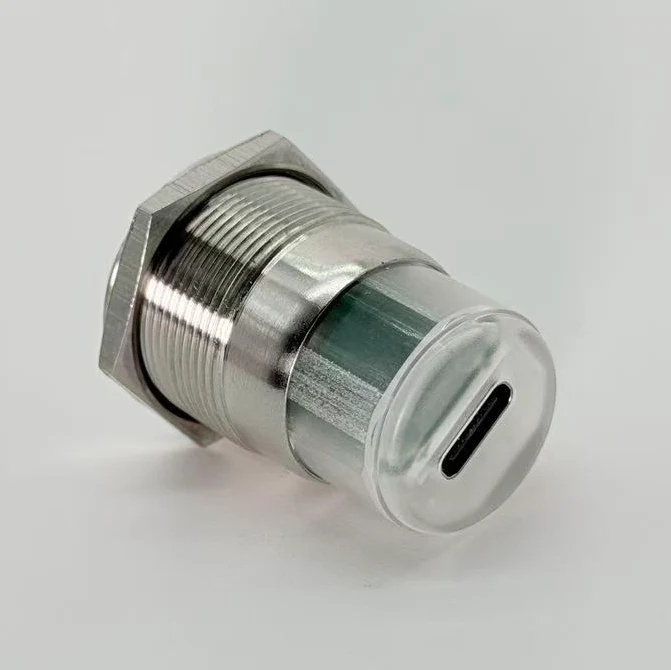
Yes. The M22 series includes Type-C to Type-C, Type-C to USB-A female and USB-A female to Type-C layouts, depending on the required front and rear connection path.
Use USB-A female or Type-C rear when there is enough internal cable space, USB-A male for direct module plug-in, XH2.54 for board or harness routing, and horizontal rear layouts when enclosure depth is limited.
The selection manual references 304 stainless-steel housing and lock nut options for M22 models, with blue aperture as a default reference and custom colors available.
Custom rear routing, cable or harness requirements should be included in the RFQ together with panel thickness, rear clearance, front interface and expected quantity.
Final RFQ step
Include the closest model number, mounting hole, rear clearance, cover requirement, aperture color, sample quantity and application.